
Using Paasa
How to Transfer RSU Proceeds from E-Trade to Paasa
Transfer your holdings to Paasa and stay compliant with Indian tax and FEMA laws.

Sparsh Sharma

If your company’s RSUs are held with E-Trade, you can easily transfer proceeds from vested shares to your Paasa global investment account. This allows you to diversify beyond your employer stock and invest across US, UK, and UCITS ETFs — directly from your RSU earnings.
Step 1: Create your Paasa account
If you haven't already, download the Paasa app and complete your KYC to open your global investing account.

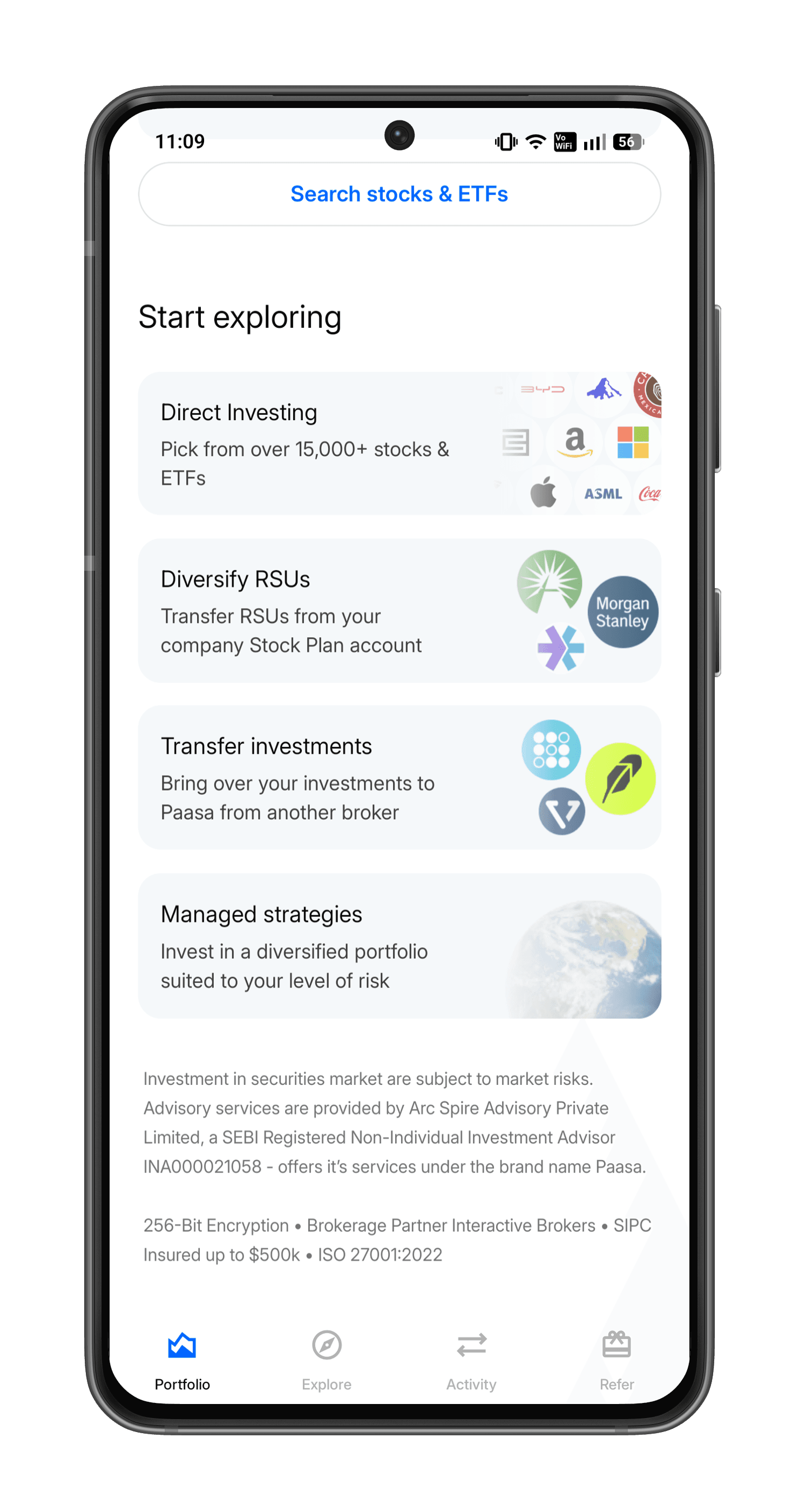
Step 2: Open the Paasa app and tap 'Transfer investments'
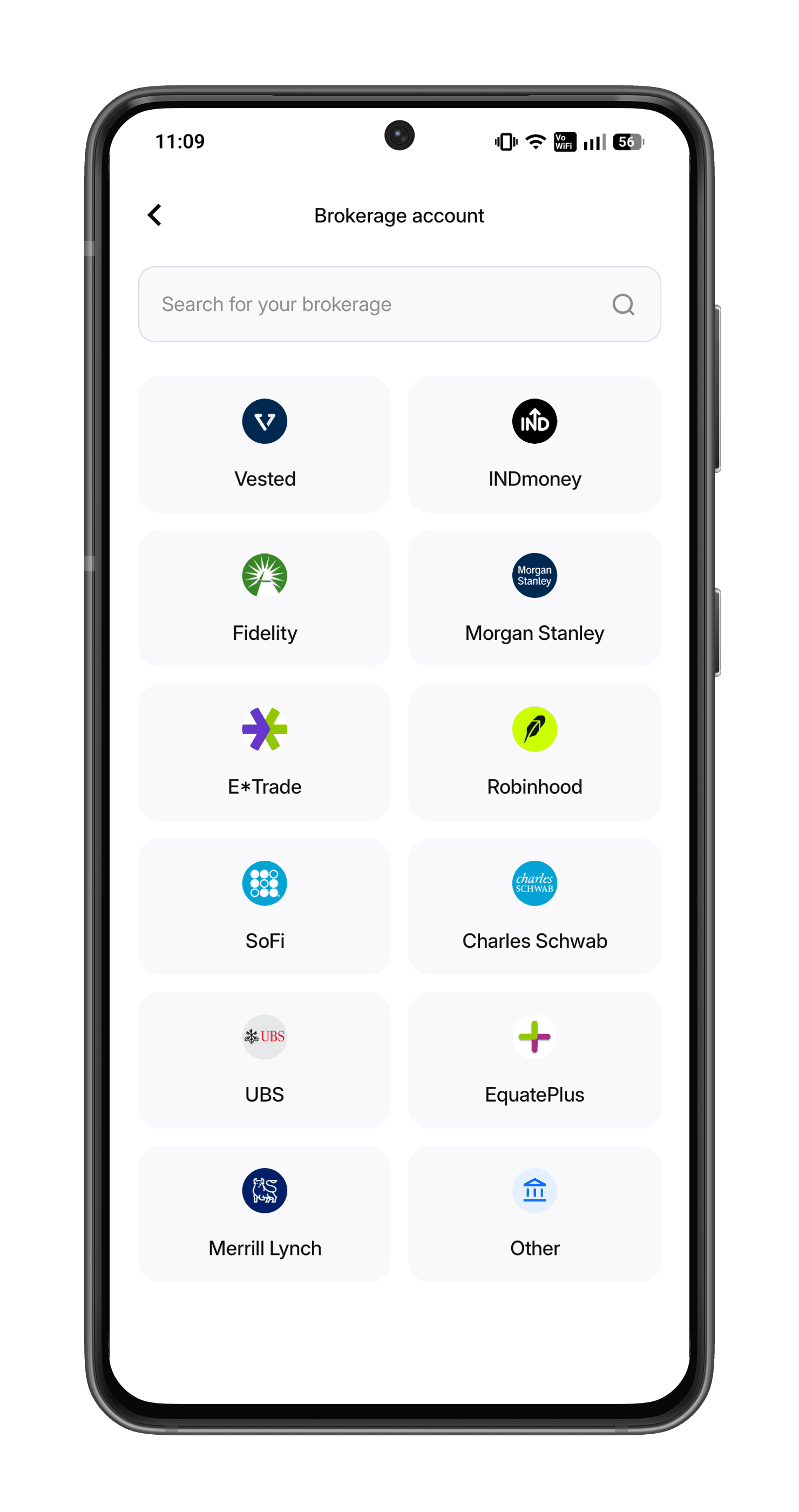
Step 3: Select your broker
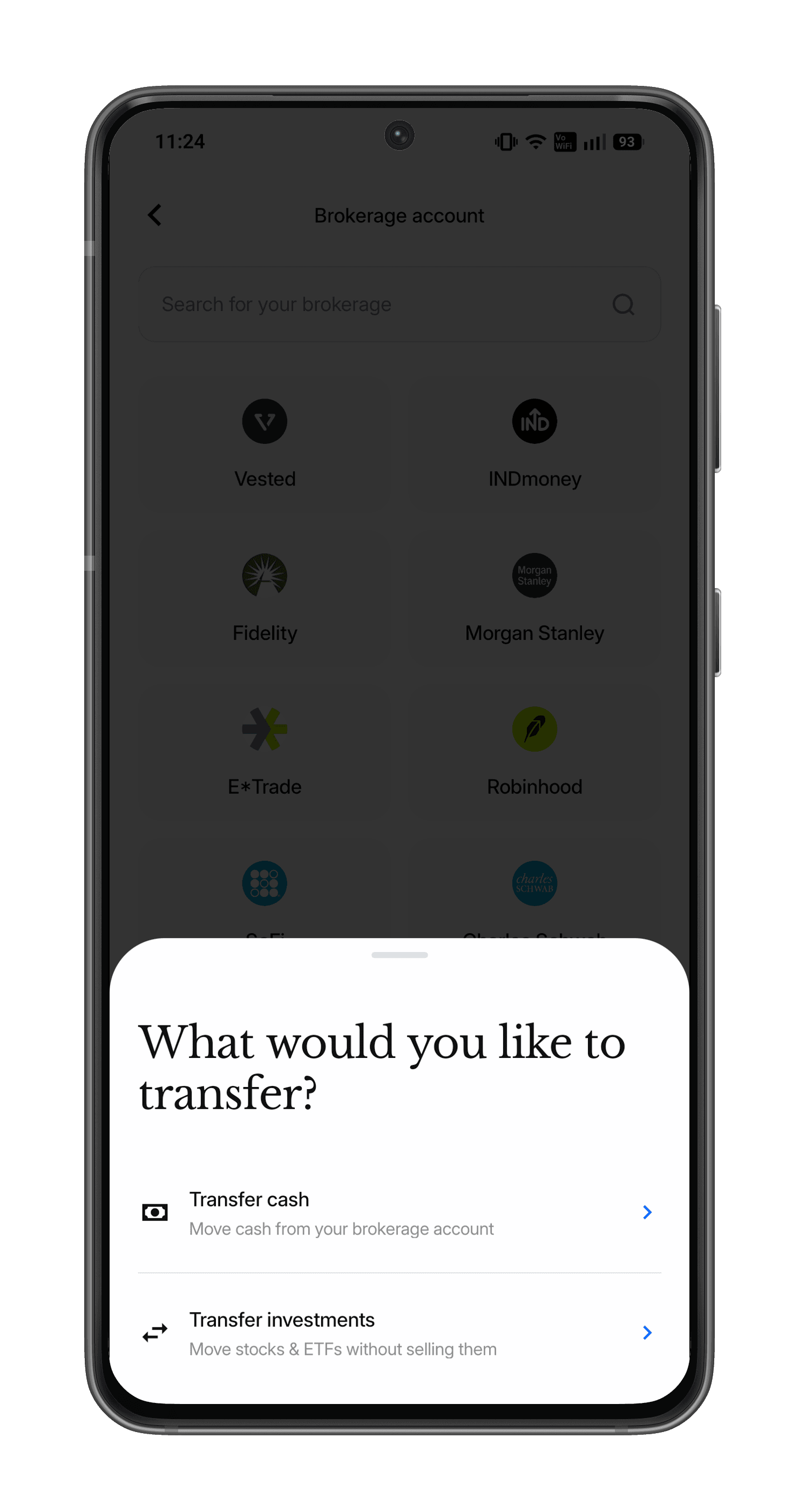
Step 4: Select 'Transfer cash'
Step 6: Follow the on-screen instructions
Follow the on-screen instructions to complete your transfer.
Need Assistance?
If you’d like our team to walk you through your E-Trade dashboard before initiating the transfer or have any questions around tax or FEMA compliance, reach out at support@paasa.com or directly message your Paasa advisor.


Invest in global markets from India

Discussion
Disclaimer
The information provided in this post is for general informational purposes only. It is not intended as professional advice or to replace consultation with qualified professionals. While we strive to ensure the accuracy and reliability of the information presented, we make no representations or warranties of any kind, express or implied, about the completeness, accuracy, reliability, suitability, or availability with respect to the content contained herein. Any reliance you place on such information is therefore strictly at your own risk. We disclaim any liability for any loss or damage, including, without limitation, indirect or consequential loss or damage, or any loss or damage whatsoever arising from loss of data or profits arising out of, or in connection with, the use of this post. Always seek the advice of professionals or relevant authorities regarding your specific situation or circumstances.